Campaign idea
The Participation Certificate
A certificate people actually post - because it proves something rather than just thanking them.
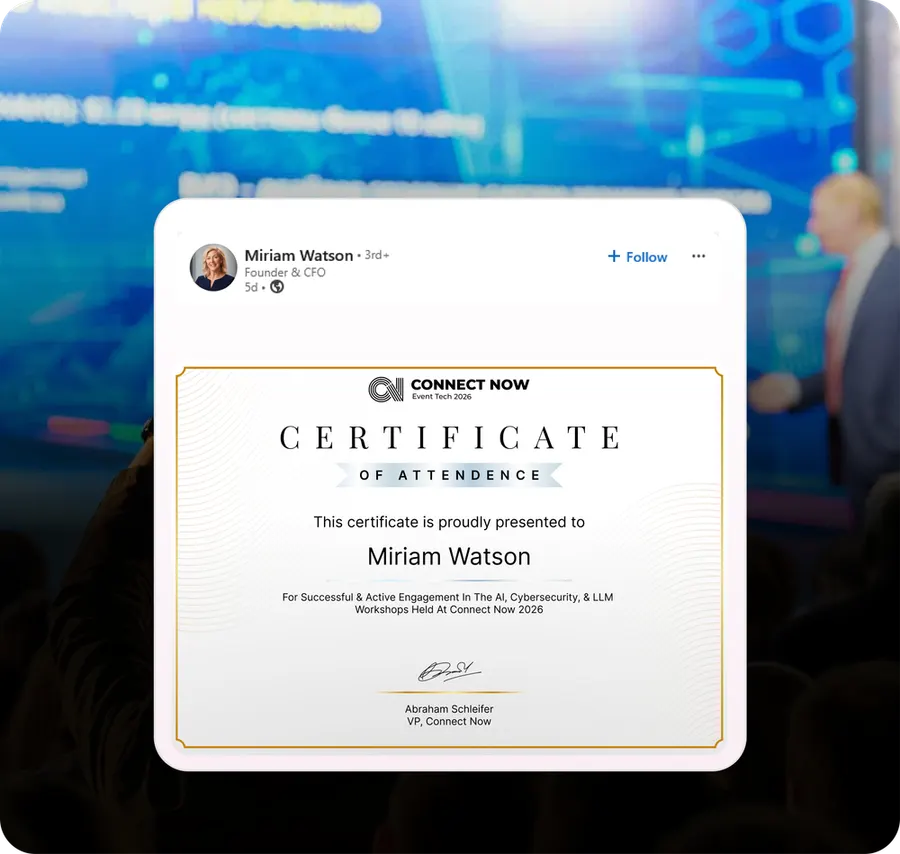
What it is
Most participation certificates are a PDF with a border and a signature nobody recognises. They get downloaded and never looked at again.
The version that works is a credential: it names what the person did, is designed to look good in a LinkedIn feed, and adds to the 'licences and certifications' section rather than sitting in a downloads folder.
- When to run it
- After the event
- Who does the sharing
- Attendees
- What it's for
- Engagement, Return attendance
- Effort
- Low effort
Timing: Within 48 hours of the event closing.
Why it works
- It is career currency, which is a far stronger motive than sentiment.
- LinkedIn certification posts get a distinct kind of reach and stay on the profile permanently.
- It works especially hard in training, association and educational contexts where CPD credits matter.
- It gives the quieter 80% of your audience - the ones who never post - a reason to.
How to run it
- 1
Make it specific
Sessions attended, track completed, hours, CPD credits if you have them. Specificity is what turns it into a credential.
- 2
Design for the feed
Legible at thumbnail size, in the LinkedIn aspect ratio. Ornate borders and small type are for paper.
- 3
Add it to their profile in one tap
Use LinkedIn's 'add to profile' link so it lands in certifications, not just as a post.
- 4
Send it within 48 hours
Alongside the photos, while the event is still the thing they are talking about.
- 5
Make it verifiable
A unique ID and a verification URL. It costs little and it makes the credential real.
Set it up in Premagic
The steps above are the campaign. These are the clicks.
- 1
Design the certificate
Make the attendee's name the biggest thing on it. Event name visible, everything else quiet.
- 2
Set up personalisation
Pull in sessions attended, track completed, hours or credits. Specificity is what makes it a credential rather than a thank-you.
- 3
Decide when to deliver
Within 24 hours of the event closing, alongside the photos.
- 4
Add a referral link
Attach next edition's registration link to the certificate post.
- 5
Enable one-click sharing
Include a LinkedIn add-to-profile link so it lands in certifications, not just the feed.
- 6
Publish a certificate gallery
A public, verifiable page per certificate. It costs little and it makes the credential real.
Pro tips
- Make the attendee's name the star. Event name visible, everything else subtle.
- Deliver within 24 hours, while people are still in event mode.
- Let them download it as an image so it works in a profile, an email signature or in print.
- Run tiered versions - speaker, sponsor, VIP, first-time attendee - each with its own design.
- Keep them. Six to twelve months later, a throwback email with last year's certificate is a strong re-registration nudge.
Best fit for
- Training events, workshops and educational programmes
- Association and membership events where CPD credits matter
- Conferences where attendance carries professional weight
- Events wanting post-event reach from the quieter majority
- Any event where attending is a credential worth showing
What you need
- Attendance or session-scan data
- A certificate template designed for social
- Verification IDs
What to measure
- Download rate
- Share and add-to-profile rate
- Reach from certificate posts
Go deeper: Turn Attendees Into a Sharing Machine in the Event Advocacy Playbook.
Or read the original write-up on the Premagic blog.
Campaigns that pair with this one
 Before
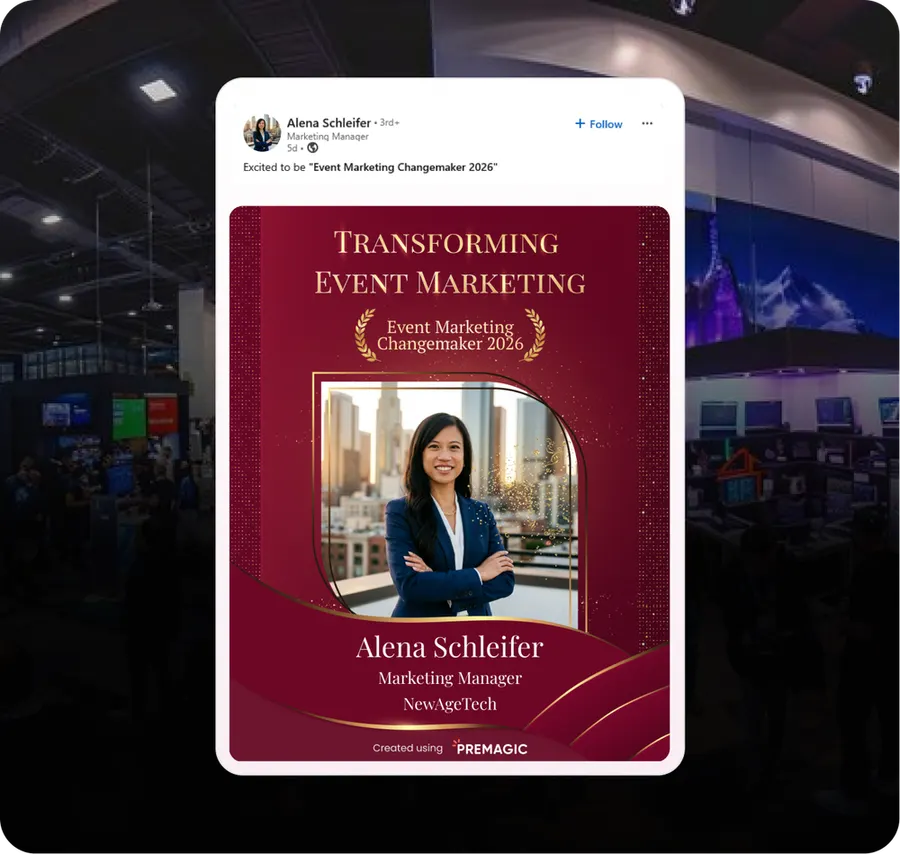
The Attendee Recognition Badge
Make attending a status symbol. A badge people post because of what it says about them.
The Post-Event Afterburn
The two weeks after the event are the cheapest registrations you will ever get for the next one.
 After
AfterThe LinkedIn Carousel
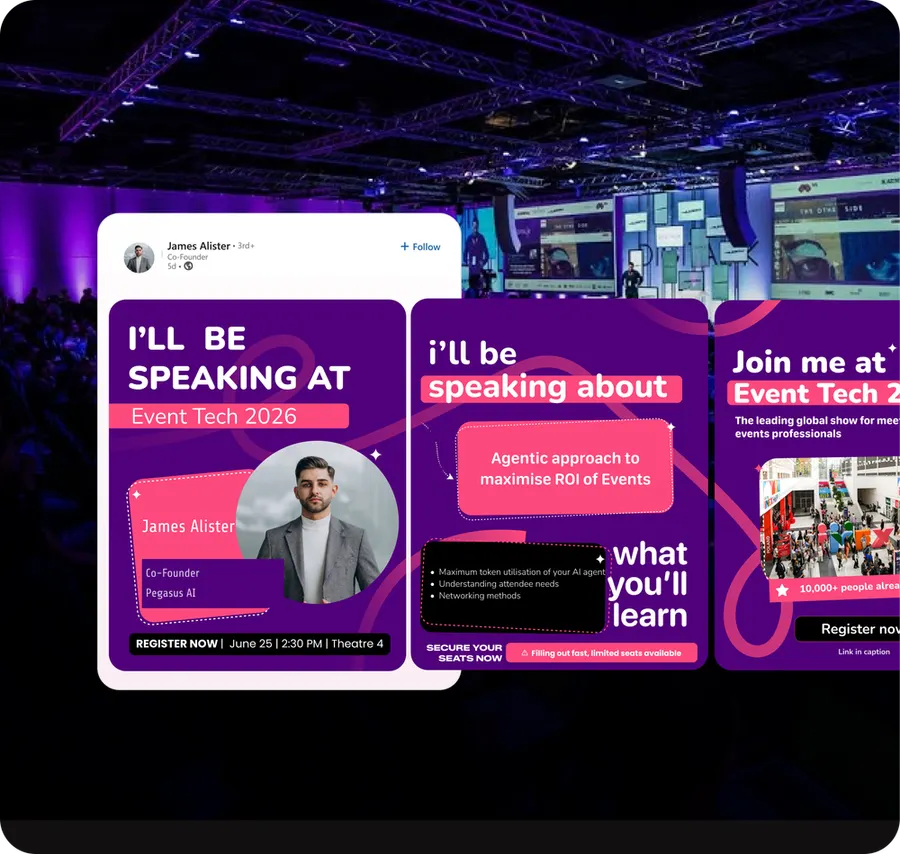
A multi-slide personalised recap. The format LinkedIn still rewards, built per person.
We'll build the campaign with you
Premagic runs the assets, the tracking and the nudges - so the campaign actually ships instead of sitting in a plan.